WhatsApp Business Reception: 7 Proven Ways to Upgrade to Smart Communications
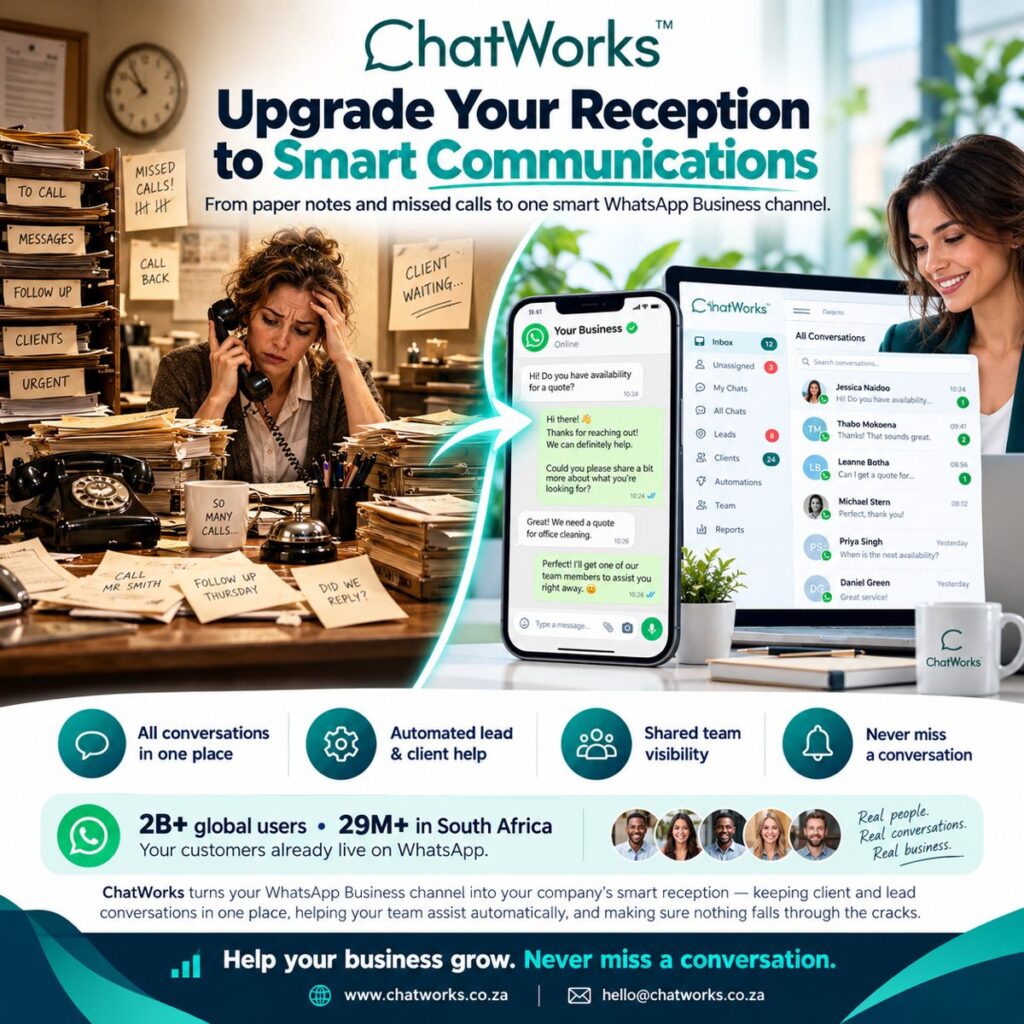
Is your WhatsApp Business reception still a desk phone, a pile of sticky notes and a receptionist trying to remember who called back? For many South African businesses it is, and it is quietly costing them leads every single day. The good news: your customers are already on WhatsApp, so upgrading to a smart, shared reception is easier than you think.
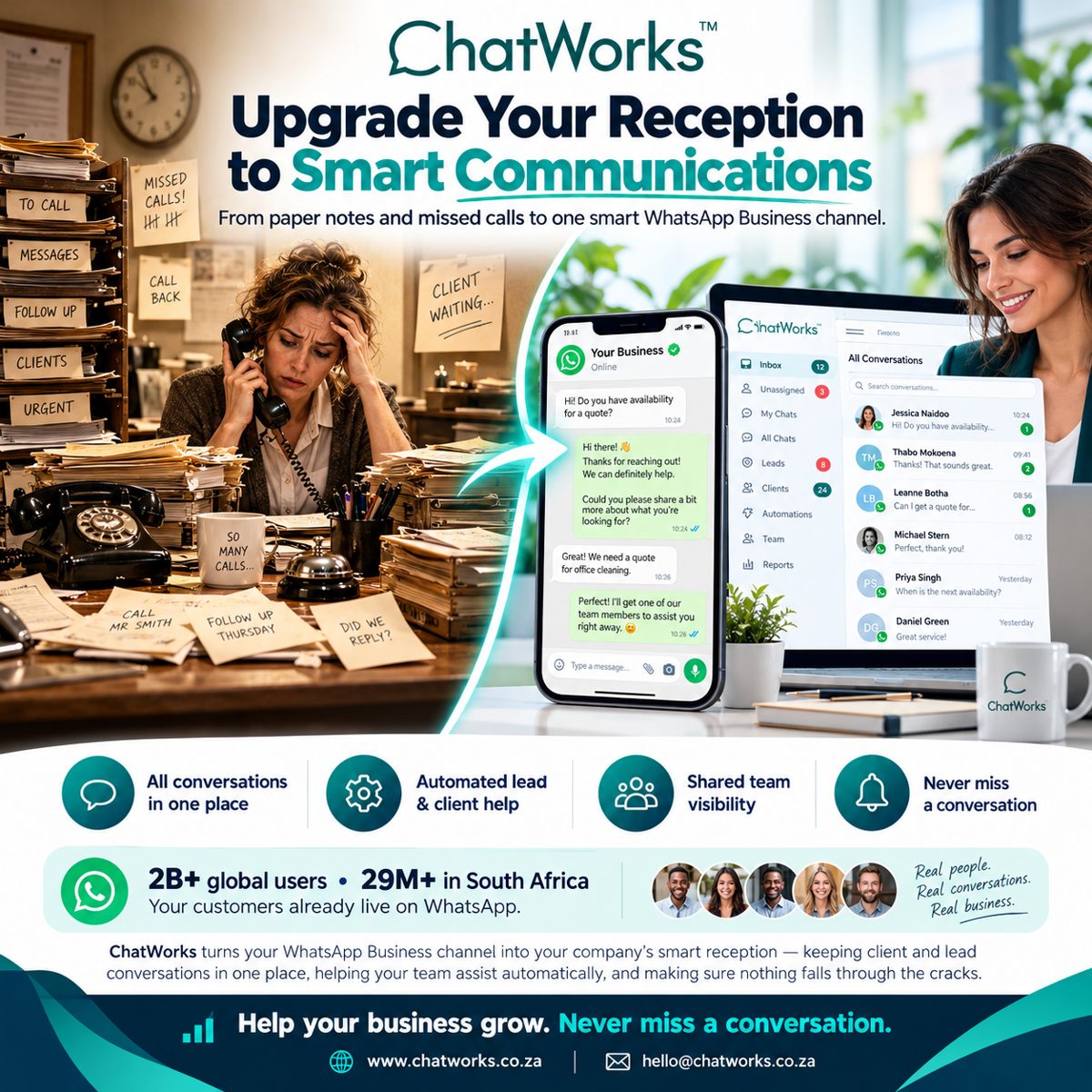
Table of Contents
Why the Traditional Reception Desk Is Losing You Leads
Picture a typical front desk on a Monday morning. The phone is ringing, a client is waiting at the counter, three “please call back” notes are stuck to the monitor and someone has scribbled “Did we reply?” on a Post-it. Every one of those notes is a potential sale or an unhappy client.
The problems are always the same:
- Missed calls – one person can only take one call at a time.
- Lost messages – paper notes get buried, misread or thrown away.
- No visibility – managers can’t see who replied, who didn’t and how long it took.
- Slow follow-up – a lead that waits hours for a reply has often already gone to a competitor.
Your customers have moved on from phone tag. They want to send a quick message and get a fast, friendly answer. That is exactly where a WhatsApp Business reception comes in.
Your Customers Already Live on WhatsApp
WhatsApp has more than 2 billion users worldwide and over 29 million in South Africa. It is the app your clients open first thing in the morning and last thing at night. According to WhatsApp Business, businesses of every size now use the platform to answer questions, share quotes and support customers.
The challenge is that a single WhatsApp Business app on one phone does not scale. Once more than one person needs to reply, or messages start arriving after hours, you need a proper system behind the number. If you’re new to the platform, start with our guide to WhatsApp Business in South Africa.
What Is a Smart WhatsApp Business Reception?
A smart WhatsApp Business reception turns your WhatsApp number into your company’s front desk. Instead of messages landing on one person’s phone, every client and lead conversation flows into a shared, organised inbox that your whole team can work from.
ChatWorks does exactly this. It connects to your WhatsApp Business channel and gives you an inbox with folders for unassigned chats, your own chats, leads and clients, plus automations, team management and reports. The result: nothing falls through the cracks.
7 Proven Ways a WhatsApp Business Reception Upgrades Your Front Desk
1. All Conversations in One Place
No more switching between phones, sticky notes and email. Every WhatsApp conversation sits in one searchable inbox, with the full chat history attached to each contact. Anyone on the team can pick up where a colleague left off.
2. Automated Lead and Client Help
Automations greet new contacts instantly, ask the right qualifying questions (“Could you share a bit more about what you’re looking for?”) and route the chat to the right person. Your team assists automatically, even when everyone is busy.
3. Shared Team Visibility
Managers can see who is handling which chat, which conversations are still unassigned and where replies are overdue. Shared visibility means accountability, without micromanaging.
4. Never Miss a Conversation
Unread counters, assignment and notifications make sure every message gets an answer. Unlike a ringing phone, a WhatsApp message waits patiently until someone responds – and your system makes sure someone does.
5. Faster Quotes and Bookings
A client asks for a quote for office cleaning; within minutes the right team member has the details and replies. Quick replies, saved templates and integrations help you turn enquiries into confirmed work far faster than a callback ever could.
6. Leads and Clients, Clearly Organised
Tag conversations as leads or clients so sales and support each see what matters to them. New enquiries never get mixed up with existing customer support, and every lead gets the follow-up it deserves.
7. Reports That Help Your Business Grow
Track response times, conversation volumes and team performance. With real data you can staff your reception properly, spot bottlenecks and prove the return on every rand you invest.
Before and After: Paper Notes vs a WhatsApp Business Reception
| Traditional reception | ChatWorks WhatsApp reception |
|---|---|
| One phone, one call at a time | Many chats handled by the whole team at once |
| Sticky notes and “call back” lists | Every message saved with full history |
| No idea who replied | Clear assignment and shared visibility |
| Leads lost after hours | Automations reply instantly, 24/7 |
| No performance data | Reports on response times and volumes |
Who Benefits Most From a Smart Reception?
Any business that handles enquiries benefits, but it is especially powerful for:
- Medical and dental practices managing bookings and patient questions
- Cleaning, maintenance and service companies sending quotes
- Property, insurance and financial services teams following up leads
- Retailers and e-commerce stores handling orders and deliveries
- Any South African SME that wants to look bigger and respond faster
How to Get Started With ChatWorks
Moving your front desk to a WhatsApp Business reception doesn’t need a big IT project:
- Connect your WhatsApp Business number to ChatWorks.
- Add your team and decide who handles leads, clients and support.
- Set up automations for greetings, qualifying questions and after-hours replies.
- Start replying from one shared inbox – and watch the sticky notes disappear.
Compare plans on our ChatWorks pricing and features page, or see how ChatWorks scales WhatsApp Business for growing teams.
Frequently Asked Questions
What is a WhatsApp Business reception?
It’s a setup where your WhatsApp Business number acts as your company’s front desk. Every client and lead message lands in one shared inbox that your whole team can manage, instead of on a single phone.
Can more than one person reply from the same WhatsApp Business number?
Yes. With ChatWorks, multiple team members can reply from one WhatsApp Business number at the same time, with chats assigned to the right person so no one doubles up.
Will I miss messages after hours?
No. Automations can reply instantly after hours, collect the customer’s details and queue the conversation so your team picks it up first thing in the morning.
Is ChatWorks suitable for small businesses in South Africa?
Absolutely. ChatWorks is built for South African SMEs and growing teams, from medical practices and service companies to retailers and financial services.
How quickly can I get started with ChatWorks?
Most businesses can connect their WhatsApp Business number, add their team and start replying from the shared inbox quickly. Contact the ChatWorks team for a demo and setup help.
Upgrade Your Reception Today
Real people. Real conversations. Real business. A smart WhatsApp Business reception keeps every client and lead conversation in one place, helps your team assist automatically and makes sure nothing slips through the cracks. Help your business grow – and never miss a conversation again.
Contact ChatWorks or email hello@chatworks.co.za to book your demo.